From Salesforce, HubSpot, or QuickBooks to Zoho — without losing data or momentum.

Cleaned data, reconciled totals, rehearsed cutovers. Arrive in Zoho with a cleaner operation than you left behind.
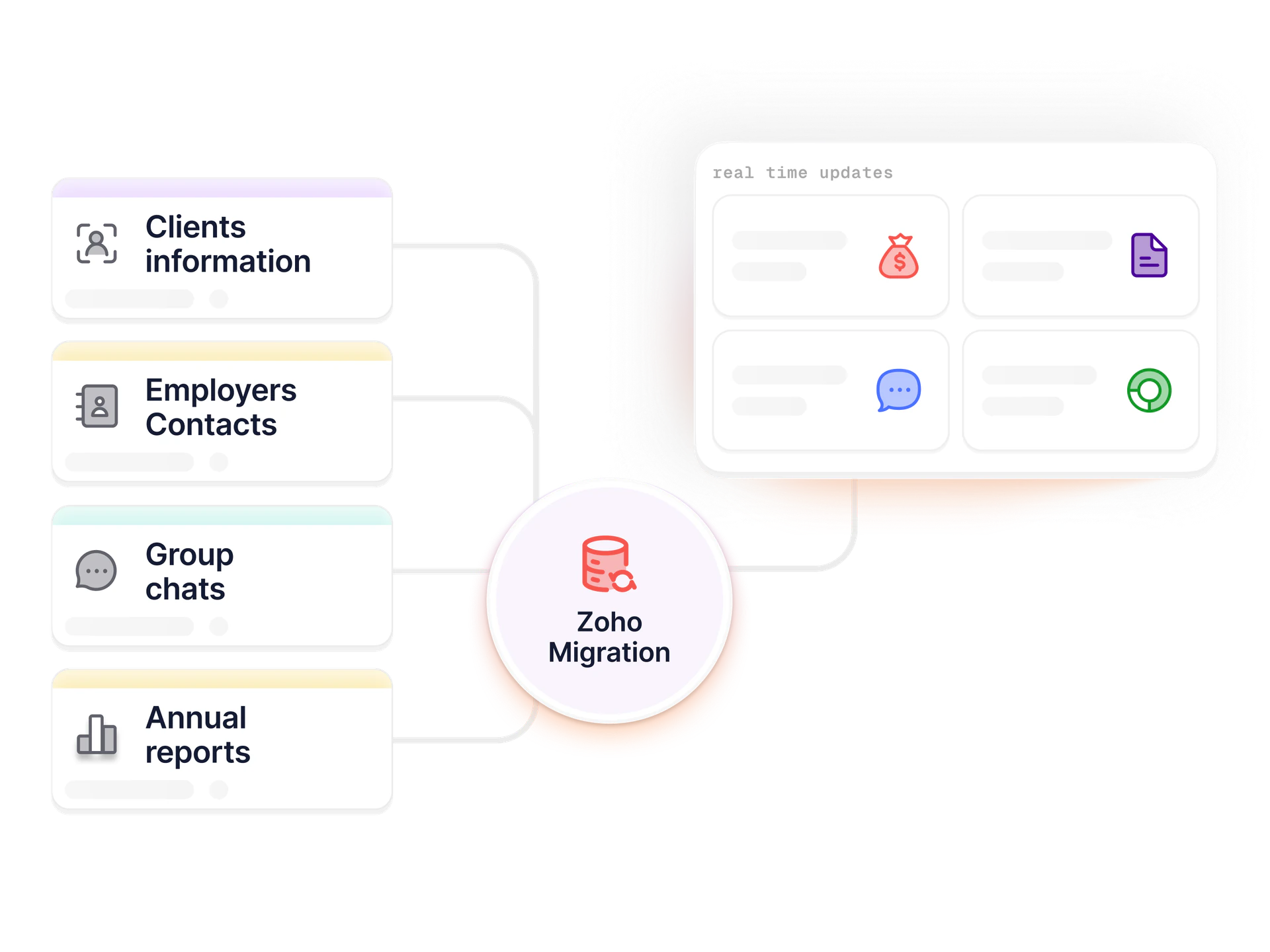
Most CRM migrations fail the same way. Ours are structured to avoid each failure mode.

CRM and billing migrations fail in predictable ways — duplicates from careless imports, dropped activities, unmapped custom fields, finance refusing sign-off. All preventable with discipline.

Sample extract, data audit, written plan signed by business and finance, scripts with reconciliation, two rehearsals, 4-6 weeks read-only source post-migration. Salesforce, HubSpot, Pipedrive, QuickBooks, FreshBooks, Xero — source varies, playbook doesn't.

— What we migrate

The things people usually forget to migrate.

Accounts and contacts

Deduplicated on email, phone, or custom key — activity intact.

Pipeline and opportunities

Open deals, stages, amounts mapped to new pipeline.

Email and activity history

Calls, meetings, emails, tasks — gaps flagged in writing.

Custom fields and objects

Inventoried, mapped, migrated or deliberately retired.

Attachments and documents

Bulk migration with folder structure preserved.

Financial history

GL, AR/AP, invoices, payments reconciled against source.

— How migrations run

A CRM or Books migration in six checkpoints.

  1. 01

    Data audit (week 1)

    Sample export from source. Issues, duplicates, gaps identified before scripting.

  2. 02

    Migration plan (week 2)

    Field mapping, dedup, historical depth, integration cutover. Signed by business and finance.

  3. 03

    Migration scripts (weeks 2-5)

    ETL with reconciliation checks. Tested on sample first, then full extract.

  4. 04

    Rehearsal #1 (week 5-6)

    Full migration into sandbox. Reconcile. Fix issues in scripts, not data.

  5. 05

    Rehearsal #2 and UAT (weeks 6-8)

    Repeat with fixes. Users validate their records. Final sign-off.

  6. 06

    Cutover (week 8-10)

    Source locked Friday. Migration runs. Reconciliation passes. Monday Zoho is live.

— What migration discipline looks like

The numbers that matter on a migration.

2x
Rehearsals before every cutover

Every migration runs end-to-end twice before the real weekend.

4-6 wks
Source-system read-only window

Legacy stays available for reference — no rushed archival.

Written
Field mapping and reconciliation plan

Every migration ships with mapping doc and source-to-target reconciliation.

— Honest fit

When our migration model fits.

Good fit

  • Leaving Salesforce, HubSpot, or another mature CRM for Zoho CRM or Zoho One
  • Migrating from QuickBooks, FreshBooks, or Xero into Zoho Books
  • Consolidating multiple point tools (CRM + Desk + Books + HR) into Zoho One
  • Organizations that need historical activity and email preserved for compliance
  • Migrations where finance and sales both need to sign off on data integrity

Probably not a fit

  • Simple CSV imports your in-house admin can handle (we'll tell you)
  • Migrations where budget is the only consideration and rehearsals are off the table
  • Projects where the source system data is so bad it should be archived rather than migrated
  • Split-off migrations from a parent Zoho org — those can be done but need different tooling
— Questions

Migration questions.

What source systems have you migrated from into Zoho?
Salesforce (all editions), HubSpot, Pipedrive, Freshworks (formerly Freshsales), Zendesk Sell, Microsoft Dynamics CRM, SugarCRM, older Zoho CRM versions, QuickBooks Online and Desktop, FreshBooks, Xero, and custom legacy CRMs exportable via CSV or database dump. For less common source systems we build a custom extractor — that's part of the engagement cost.
How long does a CRM migration take?
Salesforce → Zoho CRM: 4-10 weeks. HubSpot → Zoho CRM: 3-8 weeks. Pipedrive or Freshworks → Zoho CRM: 2-6 weeks. QuickBooks → Zoho Books: 4-8 weeks. Complex Zoho One consolidation from multiple sources: 8-16 weeks. Timing scales with data volume, historical depth, and integration complexity.
Will we lose historical emails and activities?
Mostly no, but with caveats. Salesforce activity data migrates well through the API. HubSpot email history requires OAuth access to the sending mailbox. Some very old activity data in legacy CRMs can't be extracted and we flag that in the migration plan so you decide whether to keep read-only access to the source or accept the gap.
Can you migrate Salesforce AppExchange extensions?
The extension itself, no — that's Salesforce-only code. The data it stored in custom objects and custom fields, yes. Part of the migration plan is deciding which Salesforce custom objects have Zoho equivalents (CRM custom modules, Creator apps) and which should be consolidated or retired.
What happens to our Salesforce custom reports?
Reports don't migrate directly — they're rebuilt in Zoho Analytics or CRM reports. Part of discovery is taking inventory of the reports your team actually uses (often fewer than the org has) and rebuilding those in Zoho equivalents. Typically the rebuild is simpler and faster than the original.
What if the migration fails at cutover?
Every cutover has a rollback plan. If reconciliation fails at the cutover gate we revert and try again the following weekend — we've never forced a broken cutover into production. Source system stays read-only throughout hypercare so there's always a reference point if a discrepancy surfaces post-go-live.

Migrating onto or off Zoho?

30-min audit call. Concrete cutover plan, data validation strategy, fixed-fee scope — never a forced broken cutover.

Book a Zoho migration audit