Legacy to Odoo. Old Odoo to new.

Staged data validation, rehearsed cutovers, and rollback paths turn cutover weekend from existential risk into a routine deployment.
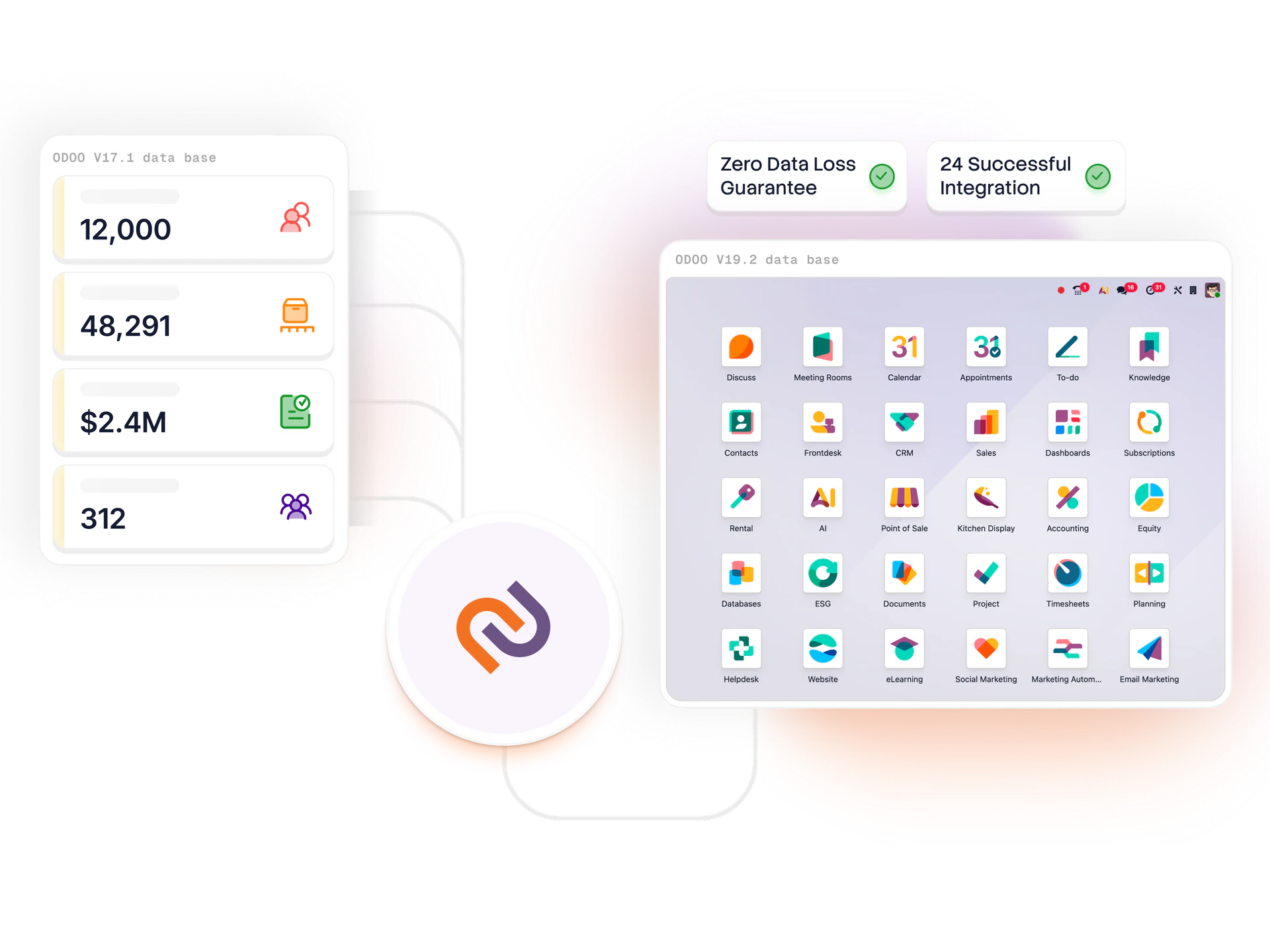
The four ways ERP migrations fail — and how to avoid all of them.

ERP migrations fail four ways — data quality discovered at UAT, reconciliation that won't balance, users walking into a system with no transition support, cutover under pressure with no rehearsal. Our playbook prevents each.

Migrated off SAP Business One, SAP ECC, Dynamics NAV/BC, NetSuite, QuickBooks, Sage, Tally — plus Odoo-to-Odoo version upgrades. Same playbook: stage, validate, rehearse, cutover, reconcile.

— What we migrate

Data, process, people.

Master data

Customers, vendors, products, COA — cleaned and deduped.

Open transactions

Open POs, invoices, SOs, stock as of cutover.

Financial history

GL balances, aged AR/AP, historical reports.

Process mapping

Legacy workflows translated to Odoo — or improved.

User training

Old-system users retrained on Odoo equivalents.

Cutover rehearsal

Full dry-run before go-live — gaps surface here.

— How migrations run

A migration in seven checkpoints.

  1. 01

    Data audit (weeks 1-2)

    Sample export from source. Quality issues and gaps surfaced in writing before scripts are written.

  2. 02

    Migration script development (weeks 2-6)

    ETL scripts with automated reconciliation. Tested on sample first, then full extract.

  3. 03

    First full rehearsal (week 7-8)

    End-to-end migration into staging Odoo. Reconcile by script. Fix issues in code, not data.

  4. 04

    UAT in staging (weeks 8-10)

    Users exercise the new system with migrated data. Gaps flow back into design.

  5. 05

    Second full rehearsal (weeks 11-12)

    Repeat with fixes. Reconciliation must pass cleanly on all key control totals.

  6. 06

    Cutover weekend

    Friday 6pm lock source read-only. Migration runs. Reconcile. Go/no-go. Rollback path stands by.

  7. 07

    Hypercare reconciliation (weeks 14-18)

    Source stays read-only 4-8 weeks. Discrepancies triaged and fixed before archive.

— Real numbers

Migration track record.

0
Rolled-back cutovers

Across our last 50 migrations — because we rehearse twice.

99.97%
Data accuracy

Average post-migration accuracy, measured against source totals.

4-6 weeks
Source archive

Typical read-only window before source is archived.

— Our methodology

How we deliver Odoo — structured, rehearsed, rollback-tested.

Every Odoo engagement we take on runs through the same seven-phase delivery methodology — structured discovery, parallel configuration and data migration, rehearsed cutovers with tested rollback paths, role-based training, and 4-8 week hypercare. Refined across 50+ implementations including one of our largest engagements to date.

Read the methodology
— Questions

Migration questions.

What systems have you migrated from?
SAP Business One, SAP ECC, Microsoft Dynamics NAV/BC, NetSuite, QuickBooks Desktop and Online, Sage (50, 100, 200, X3, Intacct), Tally, Zoho Books, FreshBooks, MYOB, Xero, custom legacy ERPs on AS/400 and Oracle, and older Odoo versions (v8, v10, v12, v13, v14, v15, v16, v17).
How long does a migration take?
Data migration itself is usually 4-8 weeks of work, executed over 2-3 rehearsals. The full implementation wrapping it runs 12-24 weeks. We parallelize aggressively — configuration, customization, training, and migration run concurrently rather than sequentially.
What if something goes wrong at cutover?
Every cutover has a rollback plan. We keep the legacy system read-only for 4-8 weeks post-cutover so users can reference historical data while Odoo becomes the system of record. If reconciliation fails at cutover gate, we revert and try again next weekend — we've never forced a broken cutover into production.
How much historical data can we migrate?
Depends on your needs and the source system. For most clients we migrate master data (complete) plus 2-3 years of transaction history. Beyond that is often not worth the migration effort — we keep the old system read-only or archive a full data dump. For regulated industries needing 7+ years of history we sometimes migrate all of it.
Will our custom reports and workflows translate?
Not directly — Odoo is a different system with different conventions. Part of migration is rebuilding reports in Odoo (often simpler and faster than the legacy system) and redesigning workflows to use Odoo native capabilities. Custom work carries over only if it's genuinely needed.
Can you migrate while we keep running on the old system?
Yes. The entire implementation happens while you're still on the legacy system — we don't ask you to freeze operations. Cutover weekend is when we switch. Before that you're running normally on the old system.

Stuck on an old Odoo version?

30-min audit call. We assess version risk, custom module survival, and cutover effort — concrete answers.

Book a migration audit