Zoho Creator — the low-code surface where Zoho stops and your operation starts.

Forms, relational data, workflows, and custom apps — on the same data model as Zoho CRM, Books, and Desk. When standard apps don't fit, Creator is where we build.
— What Creator is for

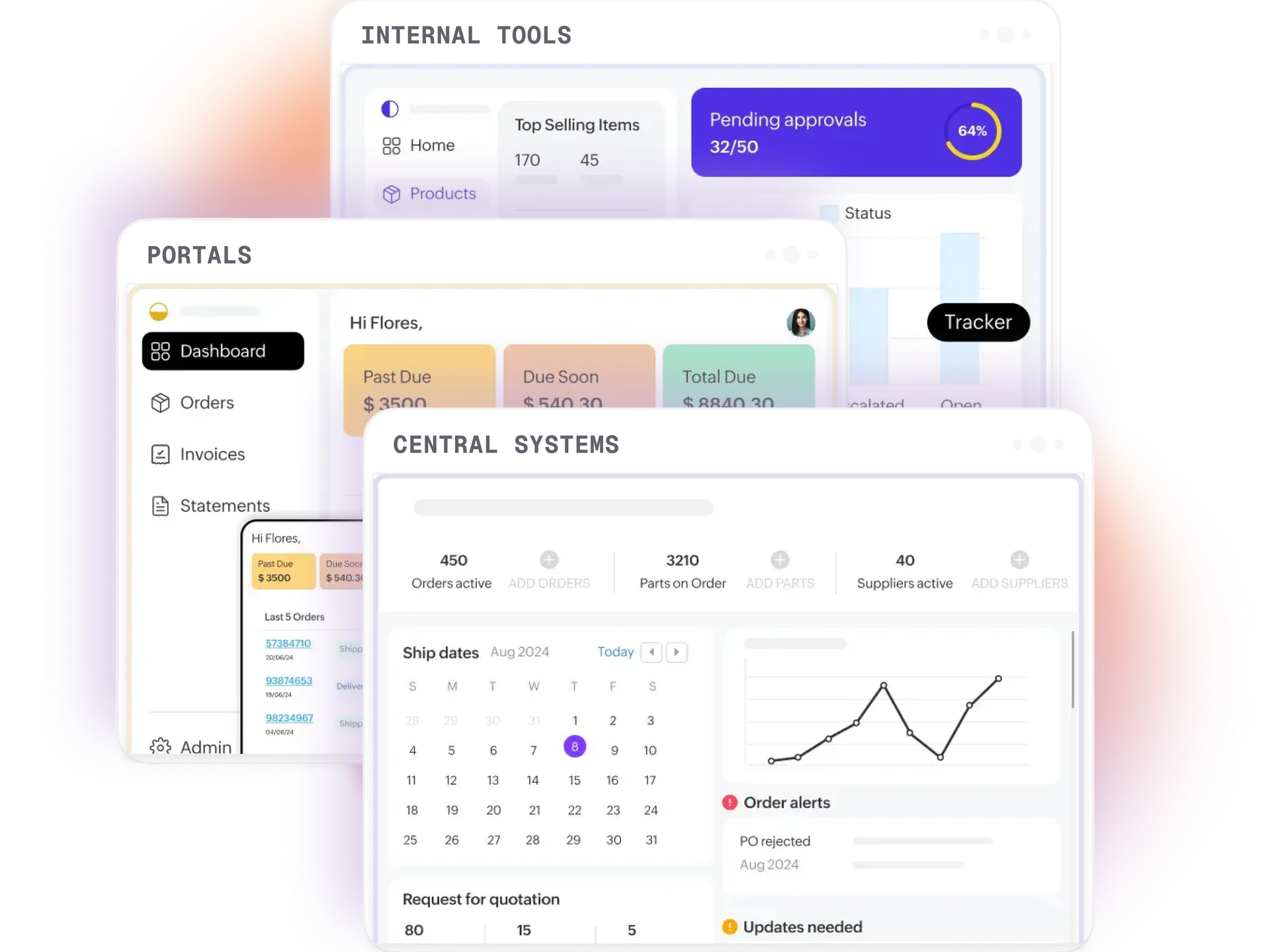
Where Creator fits between standard Zoho and full custom software.

Every Zoho engagement eventually hits requirements standard CRM, Desk, and Books can't cover — field-service inspections, custom intake flows, compliance trackers, industry-specific portals. The old answer was 'build a custom app'. Now the first question is 'can Creator do it?' — and usually it can.

Creator's edge over Airtable, Glide, or Retool is shared data — apps read and write CRM records, generate Books invoices, and trigger Desk tickets without integration glue. We treat Creator apps as real software: documented data models, version-controlled Deluge, regression tests, runbooks.

— What we build on Creator

Common Creator engagements.

Field service apps

Inspection and maintenance with photo capture and offline support.

Custom intake and approval flows

Multi-stage workflows across CRM, Books, Projects.

Compliance trackers

Vendor, contractor, certification with expiry alerts.

Client and partner portals

Branded external portals against your own records.

Relational data models

Custom structures with relationships and validation.

Custom reporting apps

Cross-app reports standard analytics can't assemble.

— How we build Creator apps

Engineering discipline on a low-code platform.

  1. 01

    Data model first

    We design forms, relationships, and lookups before writing Deluge. A well-designed model is 80% of a maintainable app.

  2. 02

    Wireframe the UX

    Form layouts, reports, and navigation mapped before build. We design within Creator's UI constraints rather than fighting them.

  3. 03

    Build and test iteratively

    Sandbox build, unit tests on critical Deluge, UAT with the real team before production rollout.

  4. 04

    Integrate with the rest of Zoho

    Most apps read or write to CRM, Books, Desk, or People — Creator's native connectors, no external glue.

  5. 05

    Document everything

    Data model diagram, Deluge docs, user guide, runbook. Your team can maintain the app without us.

  6. 06

    Regression tests on critical flows

    For operationally critical apps we write regression tests on key workflows before any production change.

— Honest fit

When Creator is the right build surface.

Creator is the right answer when

  • You need a custom app that reads and writes Zoho CRM, Books, or Desk records
  • A custom business app would otherwise be a full custom software project
  • Low-code speed of delivery matters (8-16 weeks vs. 6+ months custom)
  • You want your team to be able to maintain it long-term without a developer
  • Mobile and offline capability are required (Creator has native mobile apps)

Creator isn't the right answer when

  • The app needs to scale to millions of records with sub-second search (consider a purpose-built system)
  • You need pixel-perfect custom UX that diverges from Creator's patterns
  • The app has no integration into Zoho — an external tool might be a cleaner fit
  • Complex real-time collaboration (Creator is single-user-record, not document-collaboration)
  • Heavy numerical computation, ML, or real-time data processing
— Our methodology

How we deliver Zoho — structured, rehearsed, rollback-tested.

Every Zoho engagement we take on runs through the same seven-phase delivery methodology — structured discovery, parallel configuration and data migration, rehearsed cutovers with tested rollback paths, role-based training, and 4-8 week hypercare. The same delivery discipline our enterprise ERP practice runs on, applied to the Zoho stack.

Read the methodology
— Questions

Zoho Creator — common questions.

How is Creator different from Airtable, Glide, or Retool?
The core difference is platform integration. Creator apps run on the same data layer as Zoho CRM, Books, Desk, and People — so a Creator form can create a CRM lead, generate a Books invoice, and open a Desk ticket in one step, with no integration glue. External tools (Airtable, Glide, Retool) require integration work for every Zoho touchpoint. For customers already on Zoho, Creator is usually the cleanest answer.
How long does a Creator app take to build?
Simple app (2-3 forms, basic workflow, one integration): 2-4 weeks. Mid-complexity app (relational data, multi-stage workflow, CRM/Books integration): 6-10 weeks. Complex app (mobile, offline, advanced Deluge, multiple integrations, external API consumption): 10-20 weeks. We quote after a short discovery conversation.
Can non-developers maintain a Creator app after you build it?
Yes, for the configurable parts (form layouts, simple workflow tweaks, reports). Deluge script changes and complex workflow modifications usually need a developer — which is why we version-control everything, document the data model, and train your team on the parts they can safely manage.
Does Creator support offline and mobile?
Yes. Creator has native iOS and Android apps with offline record creation and editing. Records sync when the device reconnects. This makes Creator particularly strong for field-service, inspection, and remote-team use cases.
Can we embed a Creator app in our website or another tool?
Yes. Creator apps can be embedded as iframes, exposed through public forms, or fronted by a custom web app that talks to Creator through its REST API. Client portals are a common use case.

Need an app standard Zoho doesn't ship?

30-min Creator scope call. We map the data model, workflows, and integrations — and quote a fixed-fee build with code delivered.

Book a Creator scope call