Financial data
COA, GL beginning balances, full year history (configurable), customer + vendor masters with open balances.
Most US mid-market companies hit a QuickBooks wall around 50-100 employees: inventory needs that QB can't model, multi-entity that QB can't consolidate, customizations that need to be ERP-grade. Odoo gives you finance + inventory + CRM + HR + manufacturing on one platform, usually cheaper than QB Enterprise + add-ons.
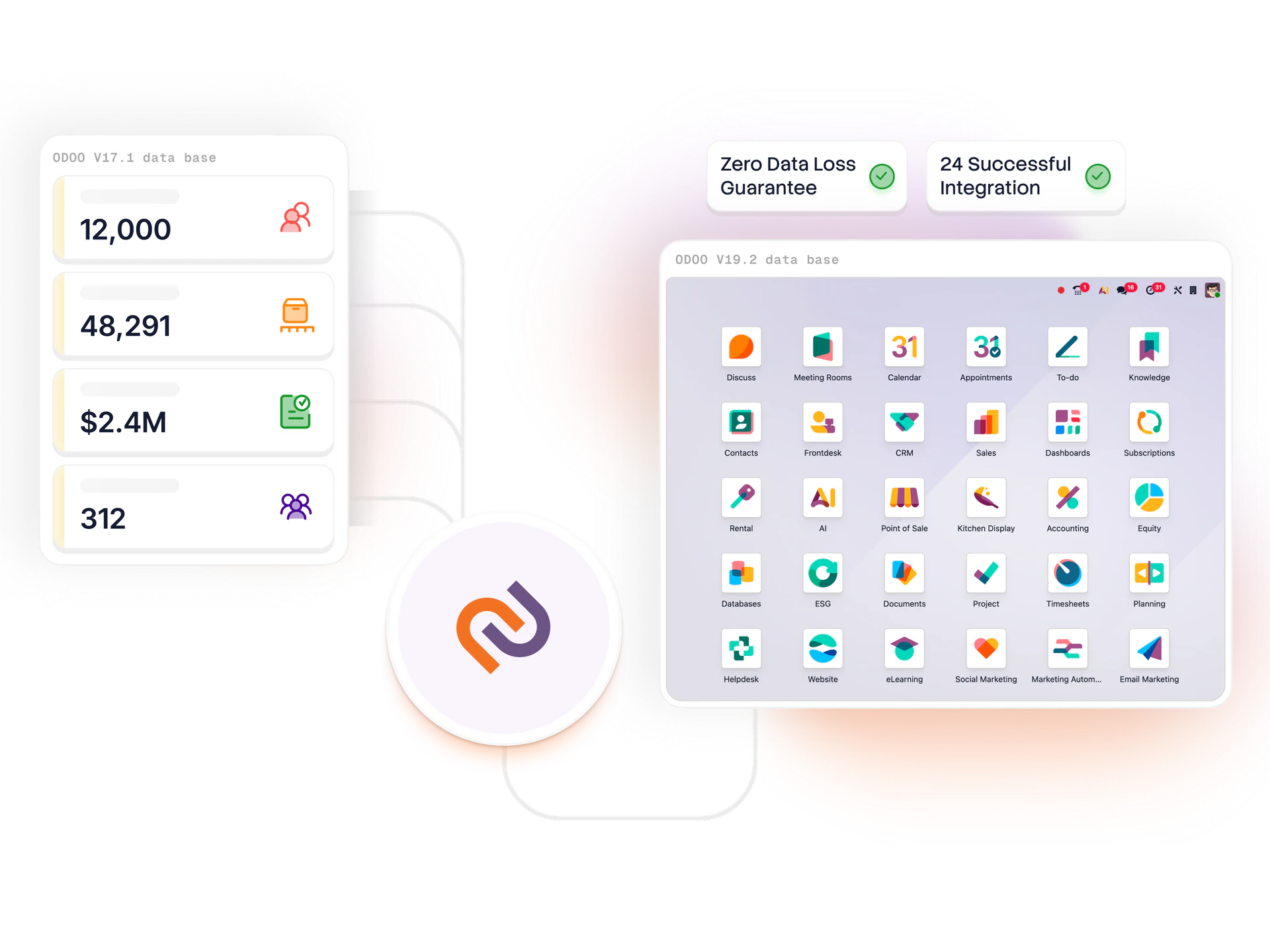
QuickBooks (Desktop or Online) is the world's best accounting software for small businesses. For companies under 25 employees with simple operations, it's hard to beat. But the success story creates the problem: companies that grew on QB hit operational complexity that QB was never designed for. Inventory across multiple warehouses, manufacturing BOMs and routings, multi-entity consolidation, CRM that ties to finance, HR / payroll at scale, custom reports, these aren't QB strengths.
Most companies stretch QB further than they should: QB Enterprise + Acumatica POS + a separate CRM + Zoho Inventory + ADP for payroll = a stack that costs more than Odoo Enterprise covering all of it natively. Plus the integration tax (every data sync between QB and another tool is a manual process or a brittle integration).
What you gain: one system instead of 4-5, real ERP modules (manufacturing, multi-warehouse inventory, project accounting, custom workflows), and a customization path that's not limited to QB's third-party SDK ecosystem. Typical mid-market QB-to-Odoo migration costs $50-150K all-in, usually paid back within 12 months from consolidating away from QB + the other tools.
COA, GL beginning balances, full year history (configurable), customer + vendor masters with open balances.
Open SO, PO, work orders, inventory positions, item masters with cost layers.
Employees, YTD wages and taxes, deduction setups, benefits, handed off cleanly to Odoo HR / payroll or your existing payroll vendor.
Plaid for bank feeds, payment processor reconnections (Stripe, Square, Authorize.net).
Closed transactions migrated as read-only or archived separately. Reconciliation between QB and Odoo financials.
Role-based training, super-user enablement, 4-6 weeks of hypercare.
QB-to-Odoo discovery is faster than most ERP migrations. 1-week scoping → firm proposal → 8-12 week migration → go-live.
Start the assessment